Chronodocs helps legal teams create secure, chronological case timelines with searchable events, labeled evidence, highlighted documents, and courtroom-ready presentations—all in one streamlined workspace.




Here are some of the core features legal teams are raving about
Chronodocs lets you map out every event in your case, all in clean chronological order. Add notes, attach documents, and connect evidence to each moment so your case narrative is always clear and complete.
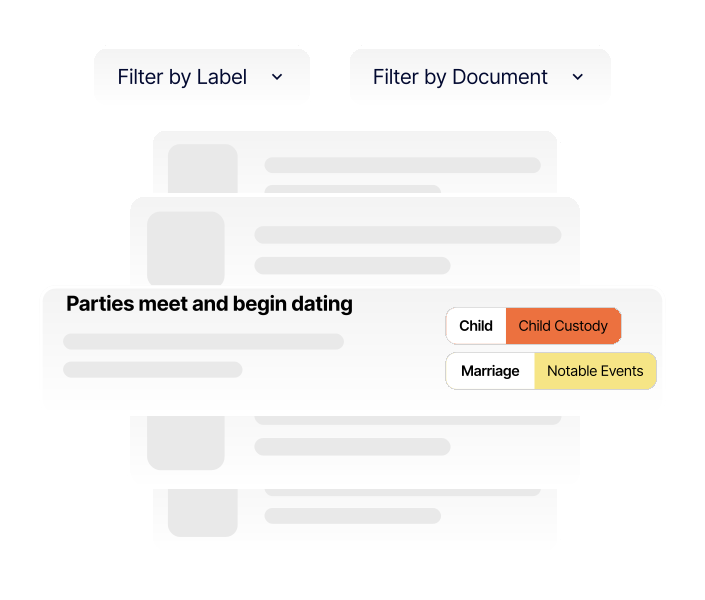
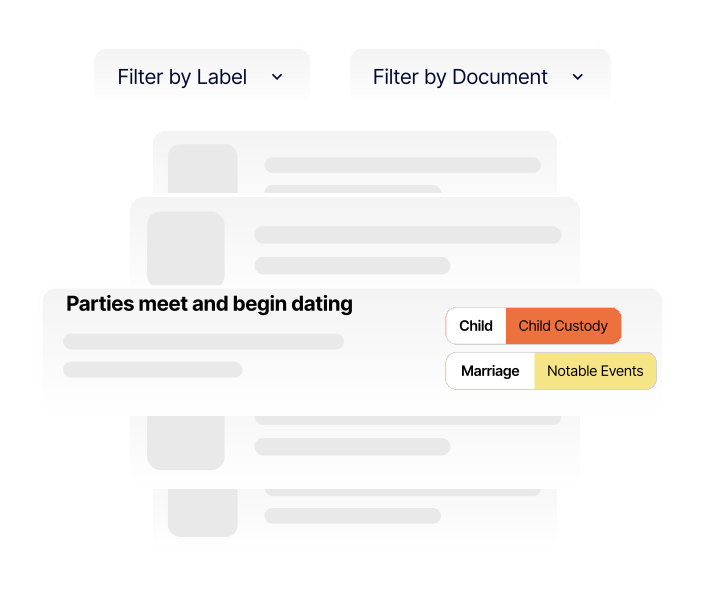
Chronodocs lets you label events and documents your way—by motion type, legal issue, witness, exhibit, or any system your team already uses. Using labels lets you focus on specific issues in a single click.
Chronodocs makes it easy to invite attorneys, paralegals, and support staff to collaborate on the same case timeline. Work together to add events, organize evidence, and refine case narratives in real time—while controlling exactly who can view, edit, or manage each case.
Chronodocs lets you highlight key sections of any document or exhibit and turn those highlights into clickable citations. Jump directly from a timeline event to the exact page and passage that supports it—no scrolling, no guessing.
Chronodocs’ optional presentation mode lets you display documents, highlights, and citations exactly as you prepared them. Walk judges, juries, and opposing counsel through your timeline without fumbling through files or losing your place.
Practical video guides showing how legal professionals build case chronologies, organize evidence, and prepare for hearings and trial.
Get started today for free! Create an account, and start building. See why law firms are raving about our tool.

Create secure, chronological case timelines with searchable events, labeled evidence, highlighted documents, and courtroom-ready presentations