Built for parents in high-conflict family matters. Turn scattered screenshots, text messages, emails and evidence into a court-ready timeline — searchable, labeled, and ready to show the judge what really happened.
.png)





Some of the features that turn chaos into a court-ready case.
Every event in clean chronological order. Attach screenshots, texts, emails, or photos to any moment — your case file builds itself, entry by entry.
Pre-built labels for the patterns you're seeing — 'Denied visit,' 'Gatekeeping,' 'Erasing you,' and more. Filter to see every event of one pattern in a single click.
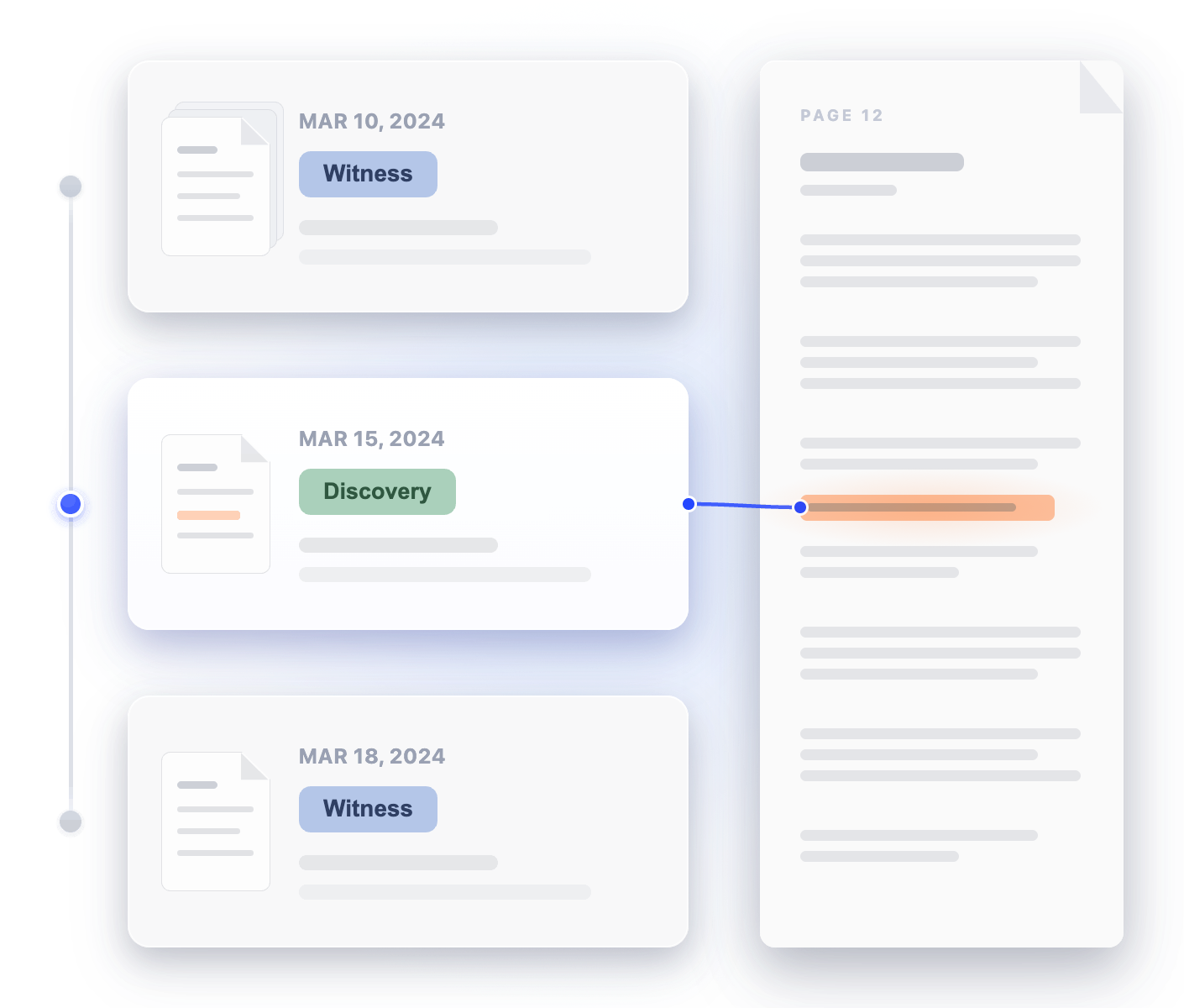
Highlight key lines in any screenshot, text thread, email, or PDF — link them directly to the event they prove. Click any event to jump straight to the proof. No scrolling. No guessing.
Invite your lawyer in a few clicks — they see every event, every label, every highlight, every attachment. They walk in already up to speed. No briefing. No retelling.
From first consultation to the courtroom — what real users say.
Chronodocs is $7/month. Walk into your consultation with a finished case file — and keep thousands for your family.
Plain-language video guides from a Texas board-certified family law attorney — on parental alienation, grey rock, custody enforcement, and how to document everything in a way the court will believe.
Open app.chronodocs.com and start documenting. Add cloud backup and share with your lawyer when you sign up — free.

The case-chronology workspace built for parents in high-conflict family matters. Turn scattered screenshots, texts, and emails into a court-ready timeline — searchable, labeled, and ready when court comes.